Home
Stock Options Trader Pro
Login
Action Forms
User Manual
ENG
繁體
简体
CLOSE
BACK
Stock Options
/
Stock Options Trader Pro
Login
1
1
/3
Download "Stock Options Trader Pro"
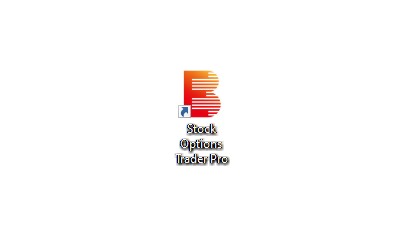
After successfully installation, please click the Stock Options Trader Pro icon on your computer desktop to start the trading platform.
2
2
/3
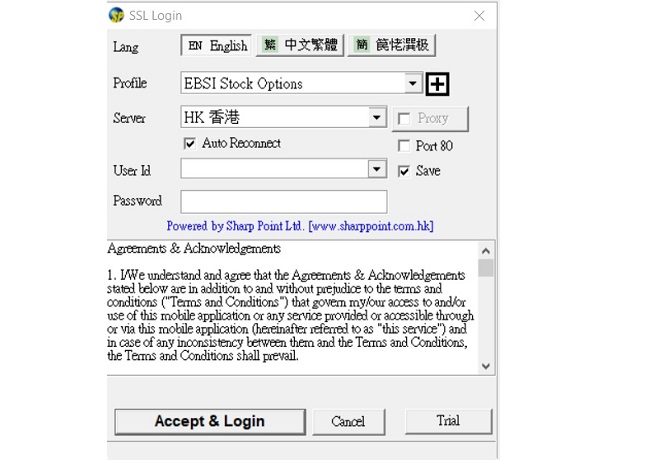
Select “
EBSI STOCK OPTIONS
” from the Profile menu.
Enter User ID and Password as below.
3
3
/3
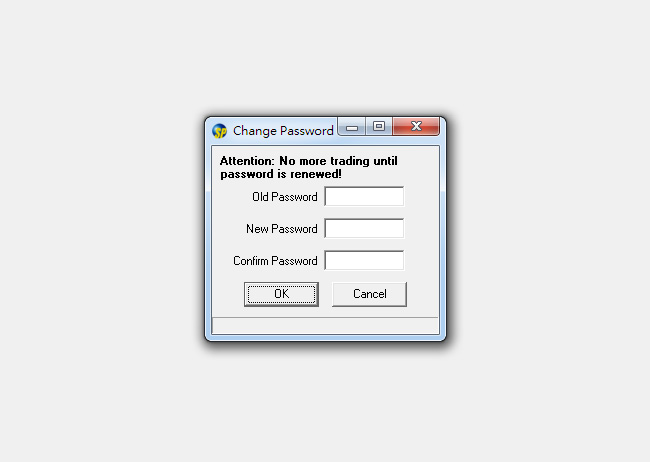
You must change your login password^ upon first accessing the Futures Trader pro platform.
^ Password should have a least 8-16 characters and a mix of letters and numbers. No special characters are allowed.